ELD Devices for Truckers
By Small Fleet HQ | Updated
ELD Device Reviews
 Premium PickSamsara ELDPremium platform with 99.99% uptime, 1-second GPS updates, and AI dashcam integration.Read More
 Best ValueMotive ELDCompetitive feature set starting at $20-25/month with IFTA and GPS tracking.Read More
 Lowest CostBigRoad ELDLowest monthly cost in the industry at $19.99 with free hardware included.Read More
 No Monthly FeeGarmin eLogNo monthly fee — pay $249.99 once for a compliance-only device that pays for itself in 12 months.Read More
Guides
 Buying GuideHow to Choose an ELDThe complete buying guide — mandate requirements, device types, and what features actually matter.Read More
 Head-to-HeadMotive vs SamsaraHead-to-head comparison for small fleets deciding between the two most popular ELDs.Read More
 ComplianceELD RequirementsWho needs an ELD, who is exempt, and how the short-haul exemption works.Read More
 ComplianceFMCSA Compliance GuideStaying compliant day to day — logs, inspections, and how to avoid violations.Read More
 Warning SignsHOS Violations and PenaltiesWhat counts as a violation, what the fines are, and how to fix a bad record.Read More
 How-ToDOT Audit PreparationThe complete checklist of documents auditors ask for — have them ready before they call.Read More
DOT Inspections
 InspectionsDOT Inspection LevelsThe six CVSA inspection levels, the Level I process, out-of-service criteria, and how results feed your CSA score.Read More
 Level ILevel 1 DOT InspectionThe full 37-step North American Standard inspection and the most common out-of-service violations.Read More
 Level IILevel 2 DOT InspectionThe walk-around driver and vehicle check, and what escalates it to a Level 1.Read More
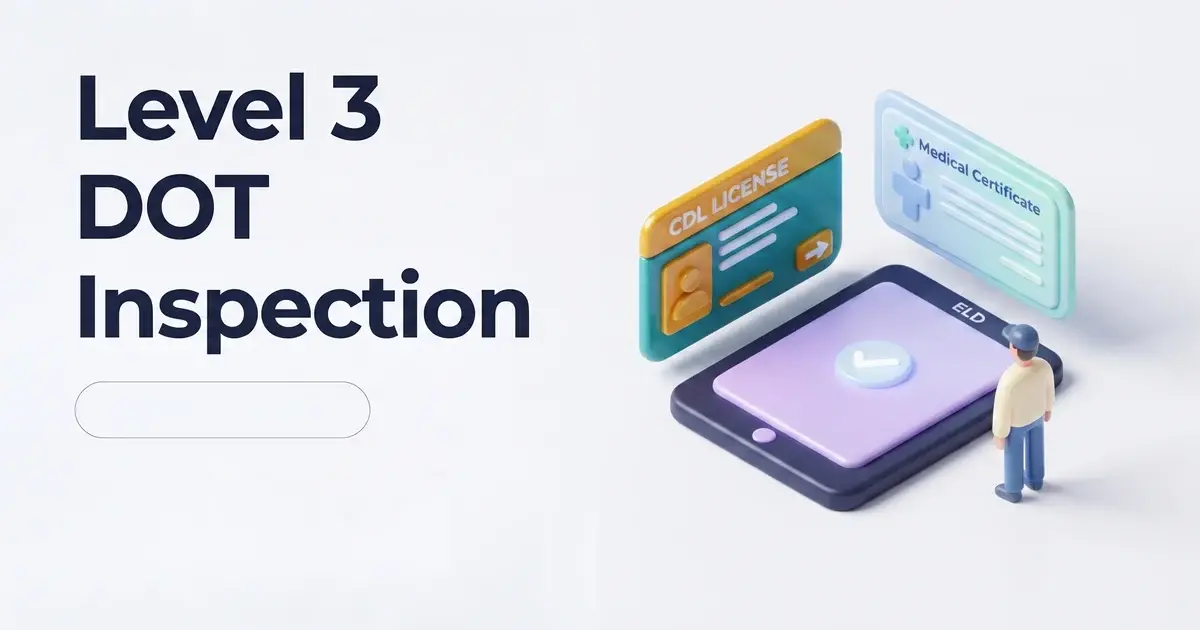 Level IIILevel 3 DOT InspectionThe driver-only credential check and the violations that can still put you out of service.Read More
 Levels IV and VLevel 4 and 5 DOT InspectionsThe special one-time exam and the vehicle-only inspection performed without the driver.Read More
 Level VILevel 6 DOT InspectionThe enhanced standard for radioactive shipments, with zero-defect out-of-service criteria.Read More
 ChecklistDOT Inspection ChecklistA printable driver-document and vehicle-system walkthrough of the 37-step procedure.Read More
Tools
 Qualified PicksBest ELDs for Owner-OperatorsThe 4 devices that fit single-truck operations on a budget.Read More
 Free ToolHOS Hours CalculatorCheck your remaining drive time, on-duty window, and 34-hour cycle reset.Read More
 Free ToolFMCSA ELD List LookupCheck any device against FMCSA's registered and revoked ELD lists, with replace-by dates.Read More
Glossary
 RegulationELD MandateThe FMCSA rule requiring electronic logging — what it covers and what it replaced.Read More
 RegulationHours of Service RulesThe 11-hour, 14-hour, 30-minute, and 60/70-hour limits explained.Read More
 Safety MetricCSA ScoreThe FMCSA safety rating every carrier carries — 7 BASIC categories and how to improve yours.Read More
Common Questions
Most commercial motor vehicle drivers required to keep a record of duty status need an ELD. Exemptions exist for short-haul drivers (within a 150 air-mile radius who return to their reporting location within 14 hours), vehicles manufactured before 2000, and drivers who only keep paper logs 8 or fewer days in any 30-day period. If you run interstate freight for hire in a truck over 10,000 pounds, assume you need an ELD unless a specific exemption applies.
ELD pricing ranges from $0 to $33/month per vehicle depending on the device. BigRoad starts at $19.99/month with free hardware. Motive runs $20-25/month. Samsara charges $27-33/month. Garmin eLog is unique — $249.99 upfront with zero monthly fees ever, which pays for itself against any subscription ELD within 12 months.
Yes. All major ELDs are designed for self-installation, typically 15-30 minutes. Hardware plugs into your truck's diagnostic port (J1939 9-pin, J1708 6-pin, or OBD-II), then pairs with your phone or tablet via Bluetooth. No wiring, no drilling, no special tools.
Reconstruct your records of duty status on paper logs for the current 24-hour period plus the previous 7 days, note the malfunction on your daily log, and notify your carrier within 24 hours. You have 8 days to get the device repaired or replaced — paper logs are acceptable during that window. Carry blank paper log forms in your truck even with a working ELD.